The PS5 is a powerhouse console, and plugging it into the wrong display means you're leaving real performance on the table. After combing through aggregated benchmark data, lab measurements from RTINGS, TechRadar, Tom's Hardware, and Gamer Hardware, one thing stands out clearly: most people are still running their PS5 on screens that don't support HDMI 2.1, which means no 4K at 120Hz, no VRR, and a noticeably worse experience compared to what the console is actually capable of. If you're also considering building a gaming rig, our PC Build Checker can help ensure your components are perfectly matched.
Finding the best gaming monitor for PS5 comes down to three non-negotiable specs: HDMI 2.1 for 4K/120Hz output, HDMI Forum VRR for smooth frame pacing, and a respectable HDR implementation that does justice to the console's wide color output. Miss any one of those, and you're essentially buying a downgrade.
This guide covers five monitors that check every box, ranked by use case, from the best no-compromise OLED to the smartest budget buy that won't make you feel like you compromised at all.
What Makes a Monitor Actually Good for PS5?
Before getting into the picks, here is a quick breakdown of what to look for so you understand why these monitors made the list.
- HDMI 2.1 (48Gbps bandwidth): This is the big one. Without it, you're capped at 4K/60Hz or 1080p/120Hz. The PS5 outputs 4K at 120Hz over HDMI 2.1, and without that port, you'll never see that.
- VRR (Variable Refresh Rate): The PS5 supports HDMI Forum VRR, which syncs the display's refresh rate to the console's frame output. This eliminates screen tearing without the input lag penalty of V-Sync.
- HDR quality: The PS5 supports HDR10 natively. A monitor with real local dimming zones or an OLED panel with true blacks will make a massive difference in games with cinematic lighting.
- Response time and input lag: Most gaming monitors are fast enough here, but anything under 5ms GtG and 10ms input lag is considered good. OLEDs at 0.03ms are in their own category.
- Refresh rate: The PS5 maxes out at 120Hz, so anything above that (like 240Hz on some OLEDs) won't be utilized directly, but it doesn't hurt either.
Top PS5 Monitor Picks for 2026
| Monitor | Panel | Size | Resolution | Refresh | HDMI 2.1 | Price (approx.) |
|---|---|---|---|---|---|---|
| ASUS ROG Swift OLED PG27UCDM | QD-OLED | 27-inch | 4K | 240Hz | Yes | ~$1,099 |
| Sony InZone M9 II | IPS (FALD) | 27-inch | 4K | 160Hz | Yes | ~$800 |
| Dell S3225QC | QD-OLED | 32-inch | 4K | 120Hz | Yes | ~$800 |
| LG UltraGear 32GR93U-B | IPS | 32-inch | 4K | 144Hz | Yes | ~$550 |
| Gigabyte M32UC | VA (Curved) | 32-inch | 4K | 144Hz | Yes | ~$350 |
Prices are based on current retail averages and fluctuate. Always check Amazon or the manufacturer's site before buying.
1. ASUS ROG Swift OLED PG27UCDM
Price: ~$1,099 | Panel: QD-OLED | Size: 27" | Resolution: 4K (3840x2160) | Refresh Rate: 240Hz | Response Time: 0.03ms
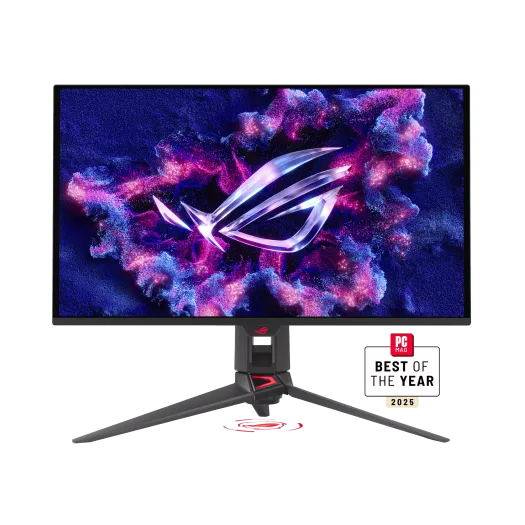
If budget is not a constraint, RTINGS currently rates the ASUS ROG Swift OLED PG27UCDM as the top-performing monitor for PS5 and PS5 Pro use. It is the world's first 27-inch 4K OLED gaming monitor, built around Samsung's fourth-generation QD-OLED panel, which delivers a pixel density of 166 PPI for noticeably sharper imagery compared to 32-inch 4K alternatives at roughly 140 PPI. This monitor is also a top pick for PC gamers running high-end hardware like the RTX 5070 Ti.
The numbers across published benchmarks are exceptional. The 0.03ms response time means motion clarity on fast-paced PS5 titles like Gran Turismo 7 or Returnal is essentially perfect, with no perceptible ghosting. Contrast, as expected from OLED, is infinite, with blacks that simply shut off rather than glow gray like IPS or VA panels in dark environments.
For PS5 gaming, the monitor's two HDMI 2.1 ports handle 4K/120Hz output without any compression. VRR is fully supported, and the panel's Dolby Vision support (which is rare on gaming monitors) means HDR tone mapping is done dynamically rather than relying on HDR10's static metadata.
Who it is for: Anyone who wants the absolute best visual experience for PS5 exclusives like Spider-Man 2, God of War Ragnarok, or Stellar Blade.
2. Sony InZone M9 II
Price: ~$800 | Panel: IPS with Full Array Local Dimming | Size: 27" | Resolution: 4K | Refresh Rate: 160Hz | Response Time: 1ms
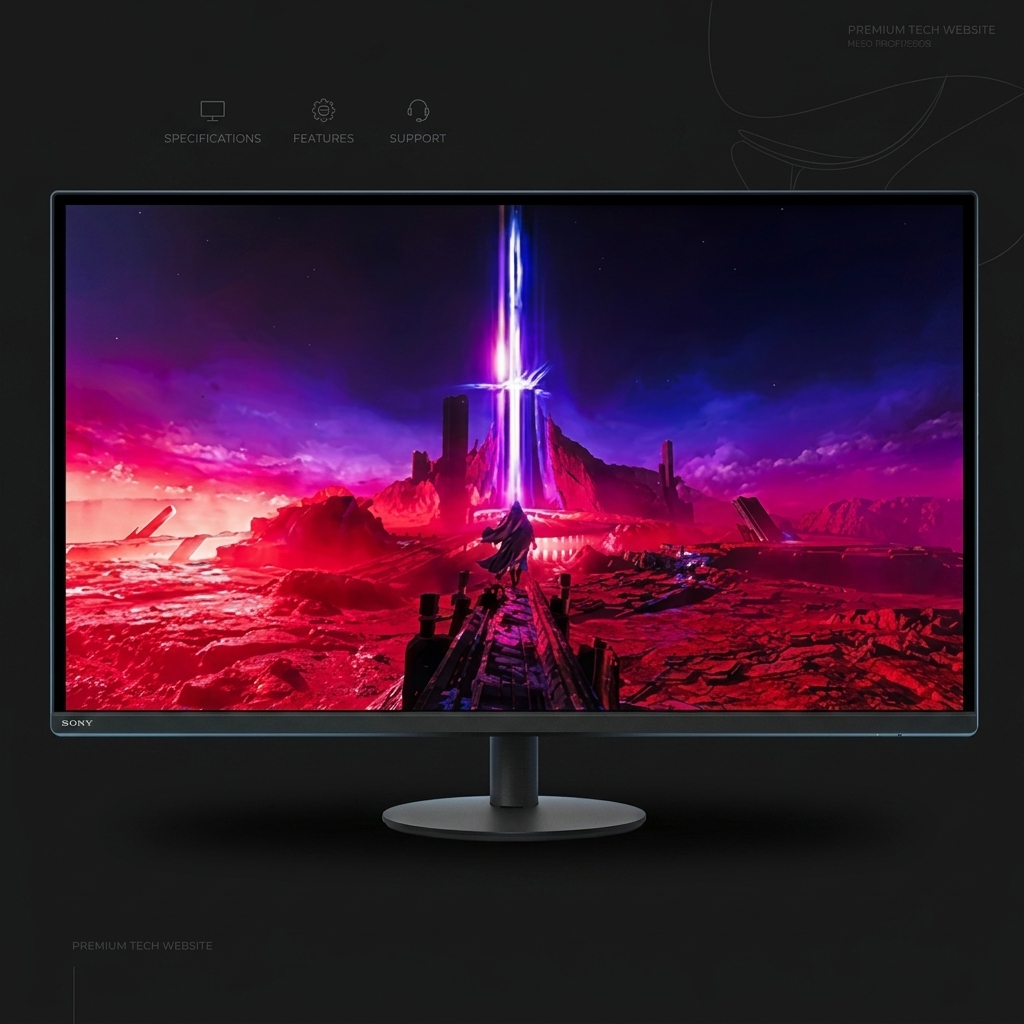
No other monitor on this list was built specifically with the PS5 in mind. Sony's InZone M9 II ships with two PS5-exclusive features that no third-party manufacturer has replicated: Auto HDR Tone Mapping and Auto Genre Picture Mode.
Auto HDR Tone Mapping calibrates the monitor's brightness automatically based on what the PS5 is outputting, removing the guesswork from HDR setup entirely. Auto Genre Picture Mode detects the type of game being played and adjusts picture settings on the fly.
The panel itself is a 27-inch IPS with Full Array Local Dimming, rated at 750 nits peak brightness and VESA DisplayHDR 600 certified. That puts it well above entry-level HDR monitors, and the FALD implementation gives it noticeably better black levels than standard edge-lit IPS panels.
Who it is for: PS5 owners who want a monitor that handles all the setup complexity automatically and delivers a Sony-optimized experience out of the box.
3. Dell S3225QC
Price: ~$800 | Panel: QD-OLED | Size: 32" | Resolution: 4K | Refresh Rate: 120Hz | Response Time: 0.03ms
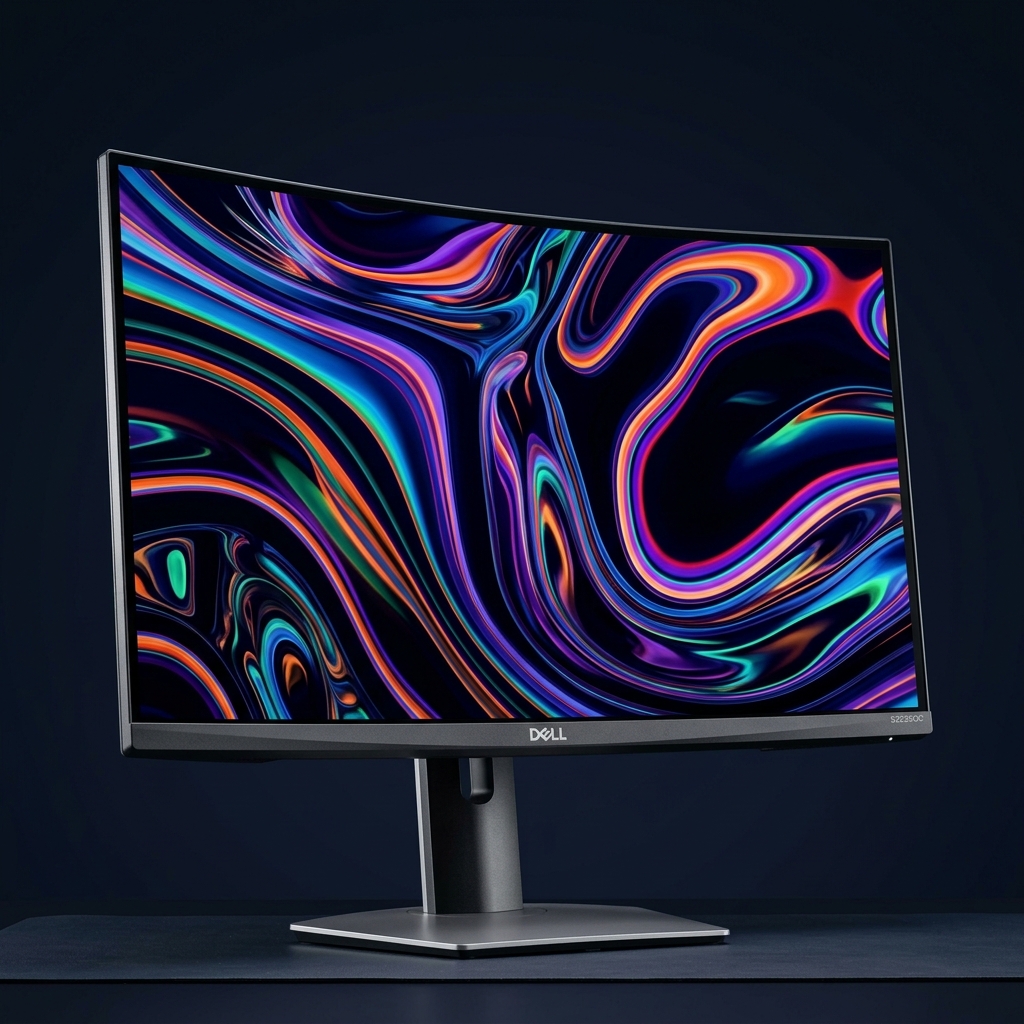
The Dell S3225QC focuses on being the best all-around display for someone who uses their PS5 for rich single-player experiences and does not want to compromise on either picture quality or audio.
As the world's first 31.6-inch QD-OLED display with AI-enhanced 3D Spatial Audio, the S3225QC includes five 5-watt speakers with AI-driven head tracking. For PS5 gamers playing in a room without a dedicated sound setup, this is a meaningful differentiator. Visually, the QD-OLED panel delivers the same infinite contrast and near-instantaneous pixel response as any OLED, with factory-calibrated color accuracy and Dolby Vision support.
Who it is for: PS5 gamers who prioritize single-player cinematic experiences and would benefit from a real built-in audio system.
4. LG UltraGear 32GR93U-B
Price: ~$550 | Panel: IPS | Size: 32" | Resolution: 4K | Refresh Rate: 144Hz | Response Time: 1ms GtG
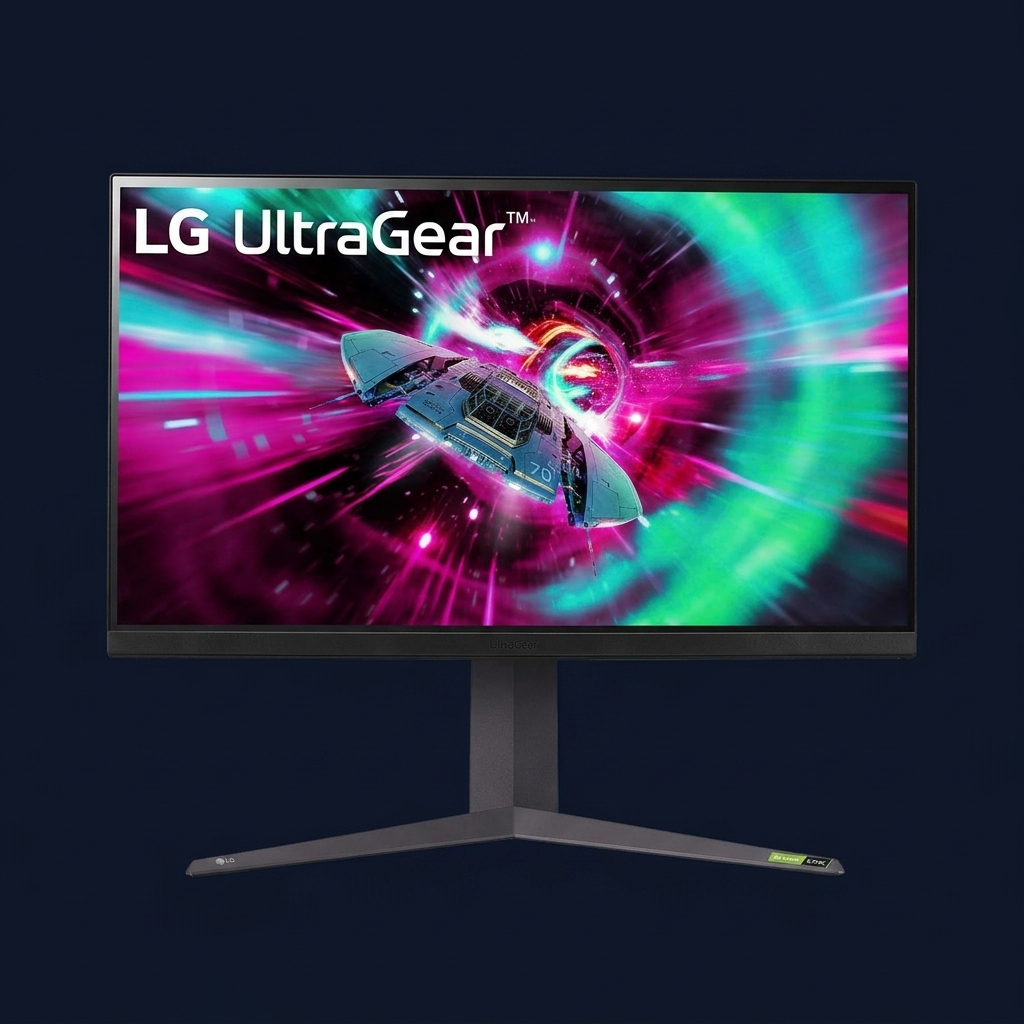
RTINGS points to the LG 32GR93U-B as the best mid-range 4K monitor for PS5. The monitor checks every PS5 compatibility box: HDMI 2.1 for 4K/120Hz input, HDMI Forum VRR support, and a 32-inch IPS panel with 95% DCI-P3 color coverage.
The trade-offs are real: the IPS panel has a standard 1000:1 contrast ratio with no local dimming, meaning dark scenes won't look as deep as OLED. However, for the subset of PS5 owners who want 4K, a big 32-inch screen, and proper HDMI 2.1 support without spending close to $800, this remains the most compelling option.
Who it is for: PS5 gamers on a tighter budget who want a large, proper 4K display with full HDMI 2.1 support.
5. Gigabyte M32UC
Price: ~$350 | Panel: VA (Curved, 1500R) | Size: 32" | Resolution: 4K | Refresh Rate: 144Hz | Response Time: 1ms
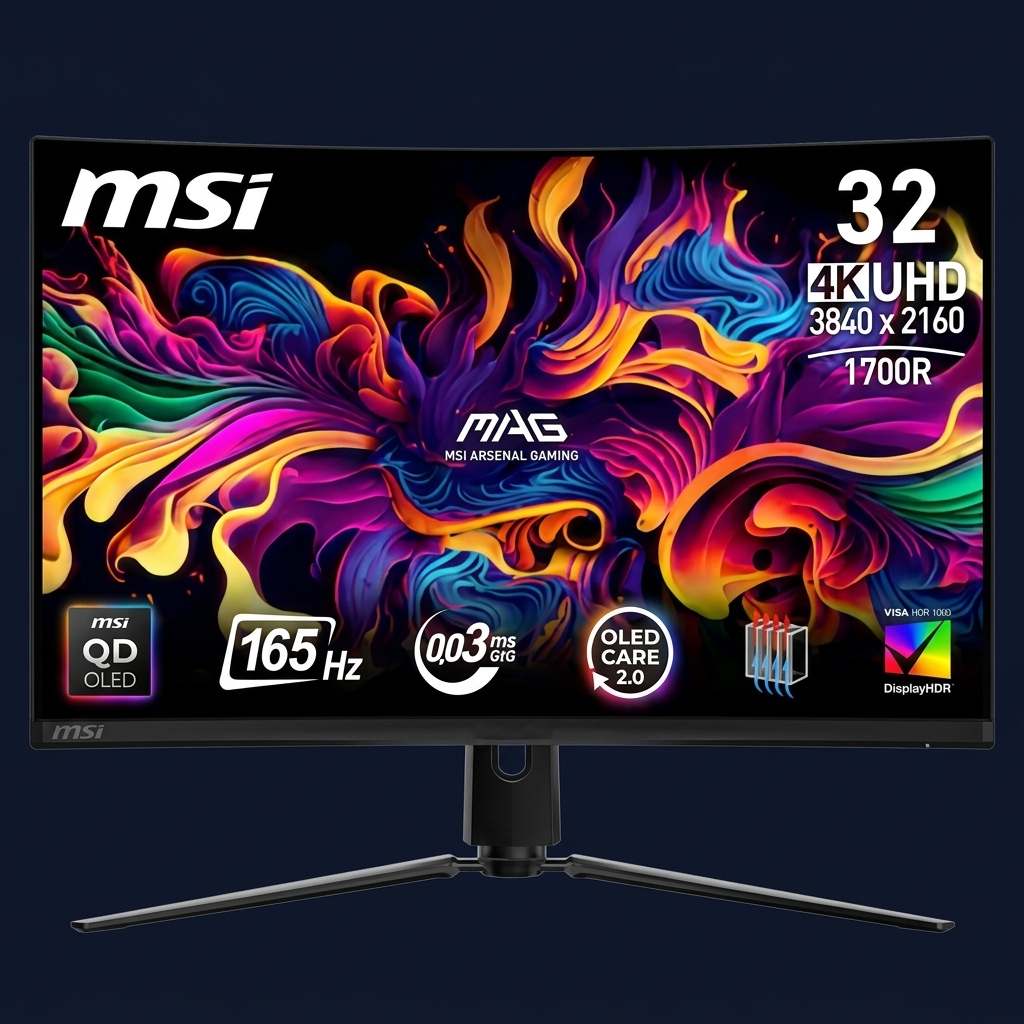
The Gigabyte M32UC is the pick for buyers who want an immersive curved 4K screen for PS5 gaming without approaching the $500 range. It offers full 4K resolution, a 144Hz refresh rate, HDMI 2.1 support, and a 32-inch 1500R curved VA panel.
The VA panel delivers a native contrast ratio that is significantly higher than IPS (typically 3000:1), translating to noticeably deeper blacks in dark game environments. While it has slower pixel transitions than IPS, it's a great choice for slower-paced action-adventure or RPG titles.
Who it is for: Budget-conscious PS5 gamers who want a 32-inch curved screen with proper HDMI 2.1 support and better-than-IPS contrast.
How to Choose the Right Monitor for Your PS5 Setup
With so many solid options now available, the choice usually comes down to three factors:
- Budget: The clearest dividing line is around $550. Below that, you are looking at IPS or VA panels without OLED contrast. Above it, you start getting access to proper local dimming, and above $800 you get genuine OLED picture quality.
- Panel type and usage: If you play visually rich single-player games, OLED is worth the premium. If you split your time between competitive multiplayer and single-player, an IPS with good local dimming offers the best balance.
- Screen size and viewing distance: A 27-inch monitor is better suited to a desk. A 32-inch panel provides more visual real estate and is also comfortable from a couch at slightly longer distances.
Quick Verdict
The Good
The Bad
Who should buy it: PS5 owners looking to unlock the full potential of their console through 4K/120Hz and VRR support across various price points.
Frequently Asked Questions
Yes. The PS5 outputs 4K at up to 120Hz with VRR over HDMI 2.1. A monitor that supports all of those features lets you experience the console at its full capability compared to older 60Hz displays.
While PS5 now supports 1440p, 4K remains the native target for most titles. 4K monitors provide the sharpest image and most consistent performance without relying on internal scaling.
For single-player, story-driven games, OLED is a meaningful upgrade due to its infinite contrast and vibrant colors. For competitive shooters, a high-quality IPS panel is often sufficient.
No, the PS5 caps its output at 120Hz. A 240Hz monitor will display PS5 content at 120Hz. The higher refresh rate only benefits PC gaming, especially when paired with the best CPU for gaming to ensure no bottlenecks.
No. The display requirements are identical. The PS5 Pro simply hits higher frame rates and resolutions more consistently than the base model.
Data in this article is based on aggregated review data from RTINGS, TechRadar, Tom's Hardware, and manufacturer documentation. Prices are current as of May 2026.
Written by Muneeb Rehan for TheTechCompare.com